Freelance productivity app
Keep freelance work moving
Choose between client work, sales, and admin, then give today's priority a clear next action.
Available for iPhone
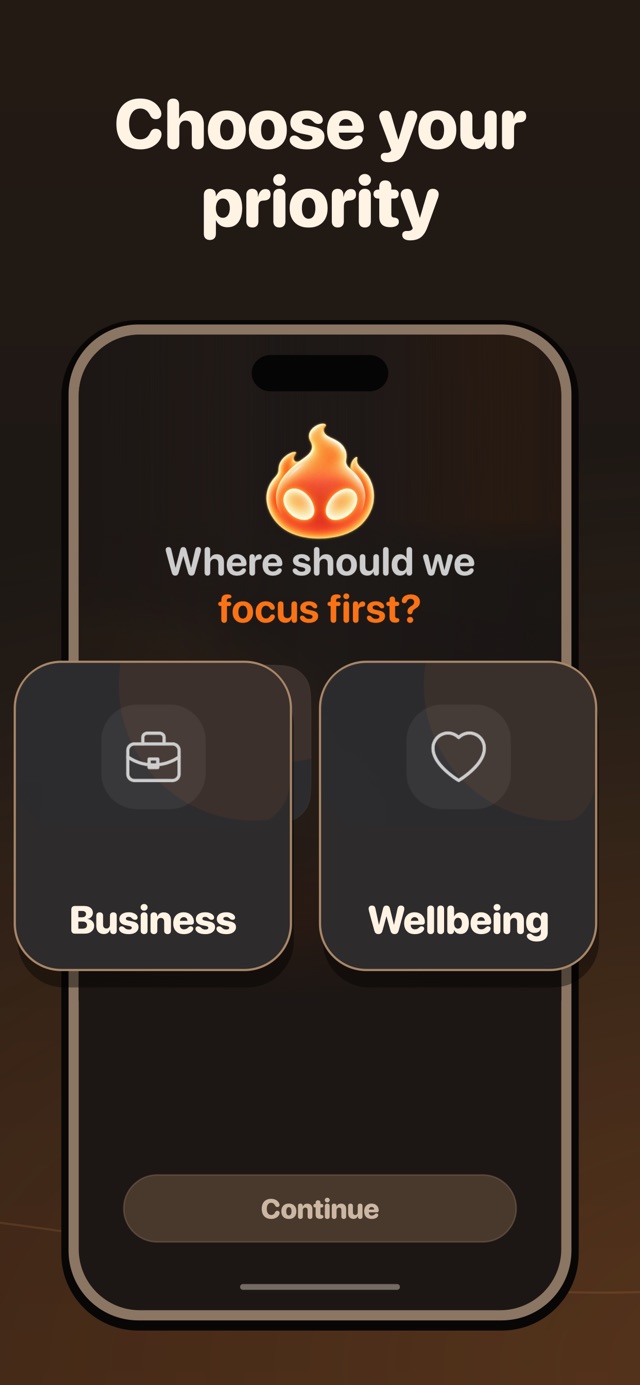
Built for the goal
What Mentor helps you do
-
Set a goal for the freelance business
-
Choose between client work, sales, and admin
-
Turn priorities into daily actions
How Mentor works
From goal to action in three steps
-
Name the business result
Tell Mentor what you want to change, from finishing a client project to building a steadier pipeline.
-
Choose today's priority
Reduce the result to a clear action that fits around deadlines and the time genuinely available.
-
Review the work
Record what moved, what interrupted the plan, and what the next workday should change.
Why it helps
Choose which role matters now
Freelancers switch between delivery, sales, and admin. Mentor turns the current priority into a daily action and keeps Business connected to the rest of your life.
What Mentor is—and is not. Mentor is a personal planning and accountability app. It is not invoicing software, a client portal, a shared project manager, or professional financial advice.
Questions
Before you start
Is Mentor only for full-time freelancers?
No. You can use the Business area for full-time freelance work, a side project, consulting, or another independent professional goal.
Can Mentor manage client projects?
Mentor can help plan your personal goals, tasks, and routines. Use a dedicated project tool when clients or teammates need shared files, assignments, or timelines.
Can Mentor help protect focus?
Yes. You can choose distracting iPhone apps to lock with Screen Time controls when it is time to work.

Your life. One Mentor.
Take one useful step today.
Choose what matters, make the next action clear, and return tomorrow with your progress still in view.
Get Mentor on the App Store