Time management app
Make time for the business goal that matters
Choose today's priority, fit it to the time available, and protect enough focus to begin.
Available for iPhone
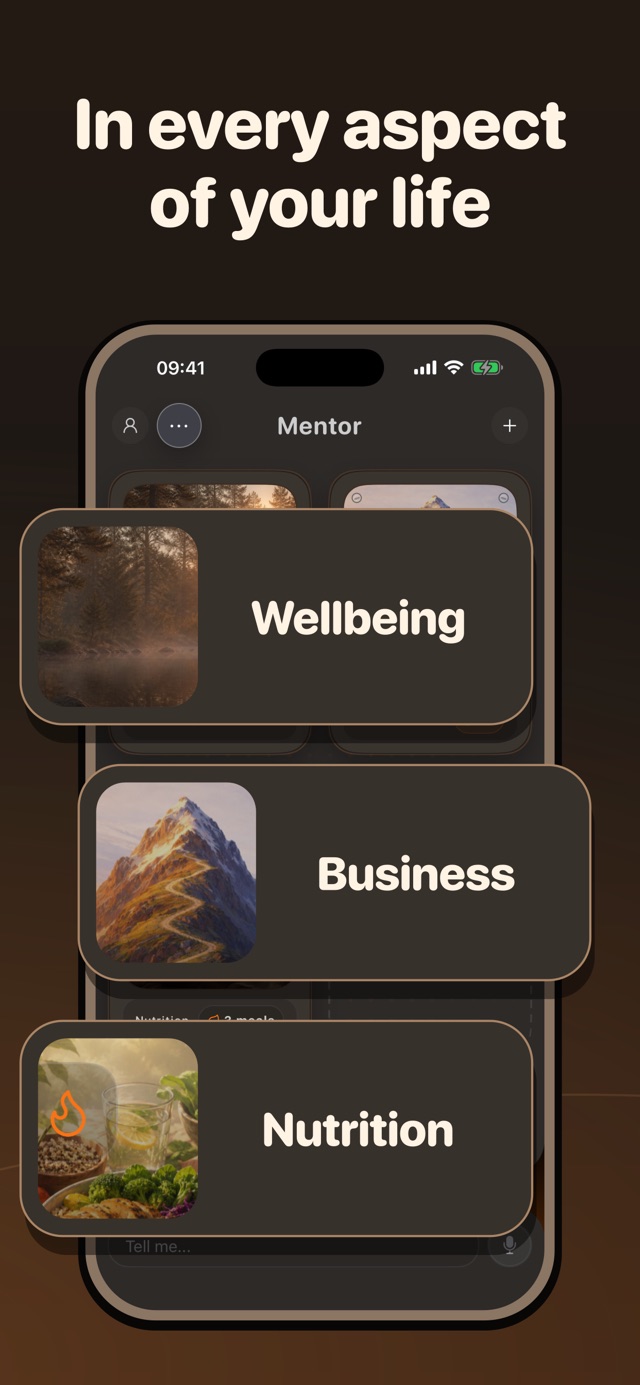
Built for the goal
What Mentor helps you do
-
Choose the business priority before listing tasks
-
Give the priority a clear daily action
-
Protect a work window from selected apps
How Mentor works
From goal to action in three steps
-
Choose what deserves time
Start with the business result and identify the action that matters more than the surrounding noise.
-
Fit it to the day
Define a version that can be completed in the time available, then protect the work window if needed.
-
Review the estimate
Record what happened and change the next action when the task was larger or less useful than expected.
Why it helps
Start with the priority, not the calendar
Choose the business result that should guide the day, then fit one action to the time available. Review what interrupted it and make the next version more realistic.
What Mentor is—and is not. Mentor supports priorities, daily tasks, routines, focus controls, and check-ins. It is not a calendar, automatic time tracker, or shared scheduling tool.
Questions
Before you start
Does Mentor include a weekly calendar?
The current product description focuses on goals, daily tasks, routines, and check-ins. It does not claim a calendar-style weekly planner.
Can Mentor block apps during work time?
Yes. You can choose distracting iPhone apps to lock with Screen Time controls when it is time to act.
Can a team use Mentor for scheduling?
Mentor is currently a personal app. Use a shared calendar or project tool when several people need coordinated schedules.

Your life. One Mentor.
Take one useful step today.
Choose what matters, make the next action clear, and return tomorrow with your progress still in view.
Get Mentor on the App Store